Place models straight into SketchUp
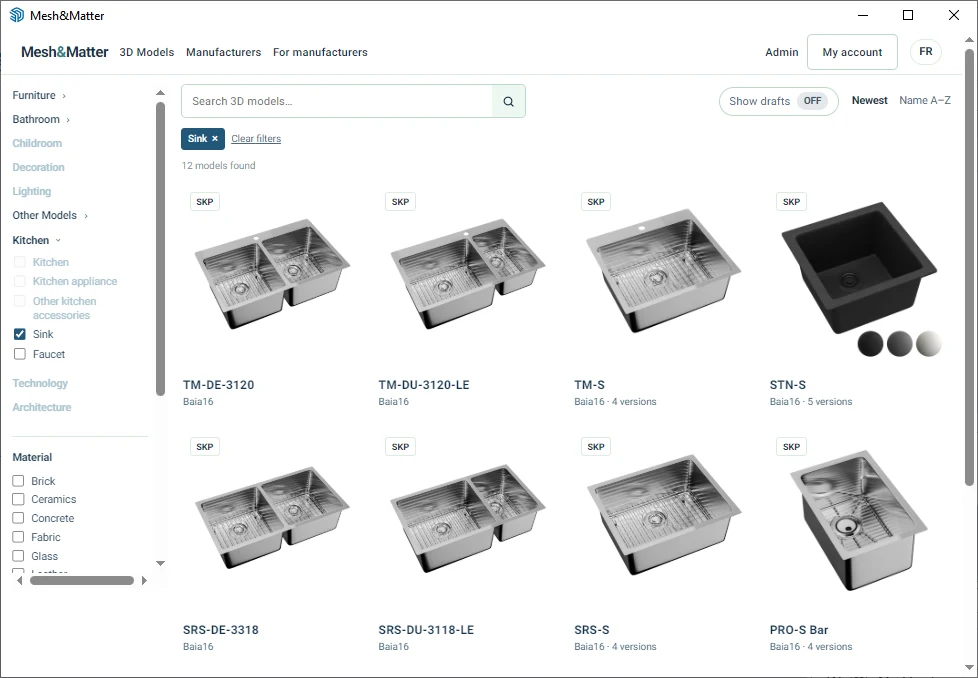
Browse Mesh&Matter in a panel next to your scene, then place a product in one click. No more Downloads folder, no more copy and paste.
Install the free plugin in SketchUp
Download the plugin file, it’s free
A small MeshAndMatter-0.2.1.rbz file (about 9 KB) lands in your Downloads folder.
 2
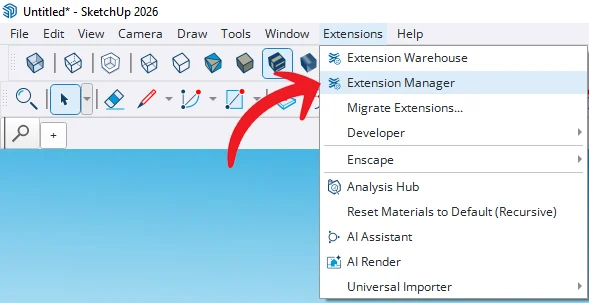
Open the Extension Manager
In SketchUp, go to Extensions › Extension Manager.
 3
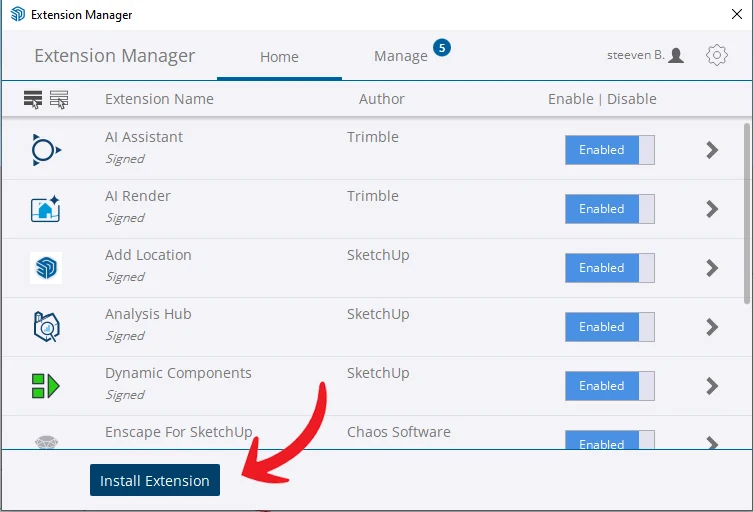
Click Install Extension
The button at the bottom left of the manager window.
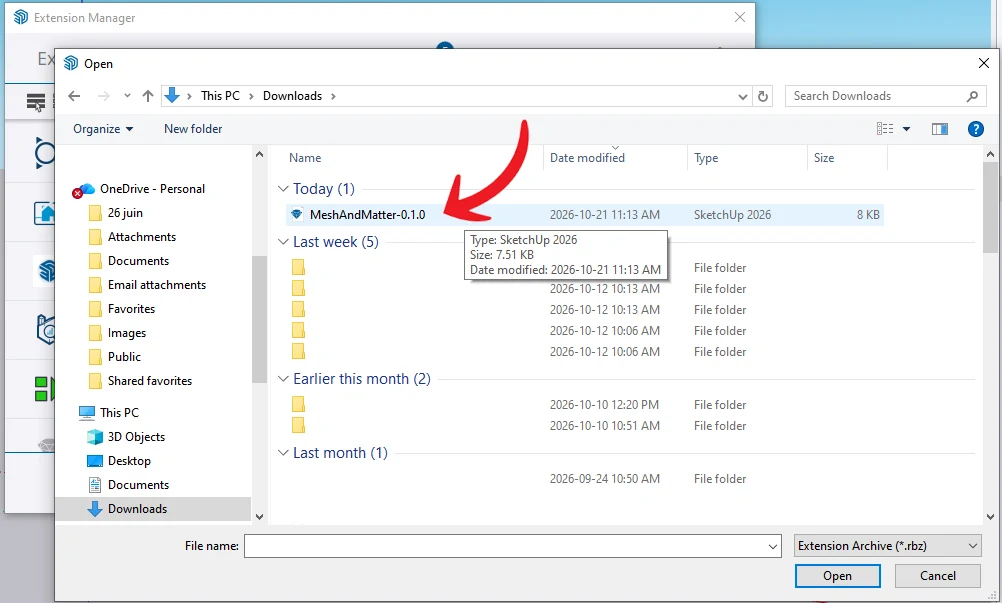 4
Choose the .rbz file
Select MeshAndMatter-0.2.1 in Downloads, then Open.
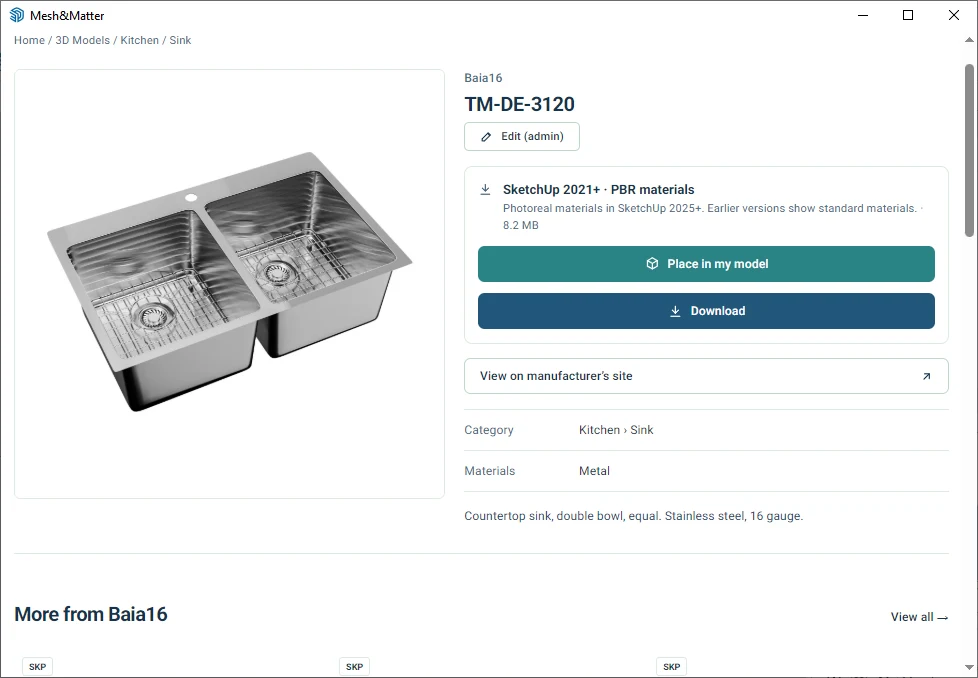
That’s it. Now open Extensions › Mesh&Matter, sign in once, then click “Place in my model”.
The same catalog
Same filters, same brand pages, same versions of each product as on the website.
Always up to date
The panel shows the live website: new models appear without reinstalling anything.
Free for you
A free account is all you need, for designers and architects.
Frequently asked questions
Which SketchUp versions?
SketchUp 2017 and newer. A model saved in a newer version than yours may not open: pick another version of the file instead.
Do I need to sign in?
Yes, with the same free account as on the website. You sign in inside the panel.
I’d rather download the file
The Download button is still on every model page, as before.